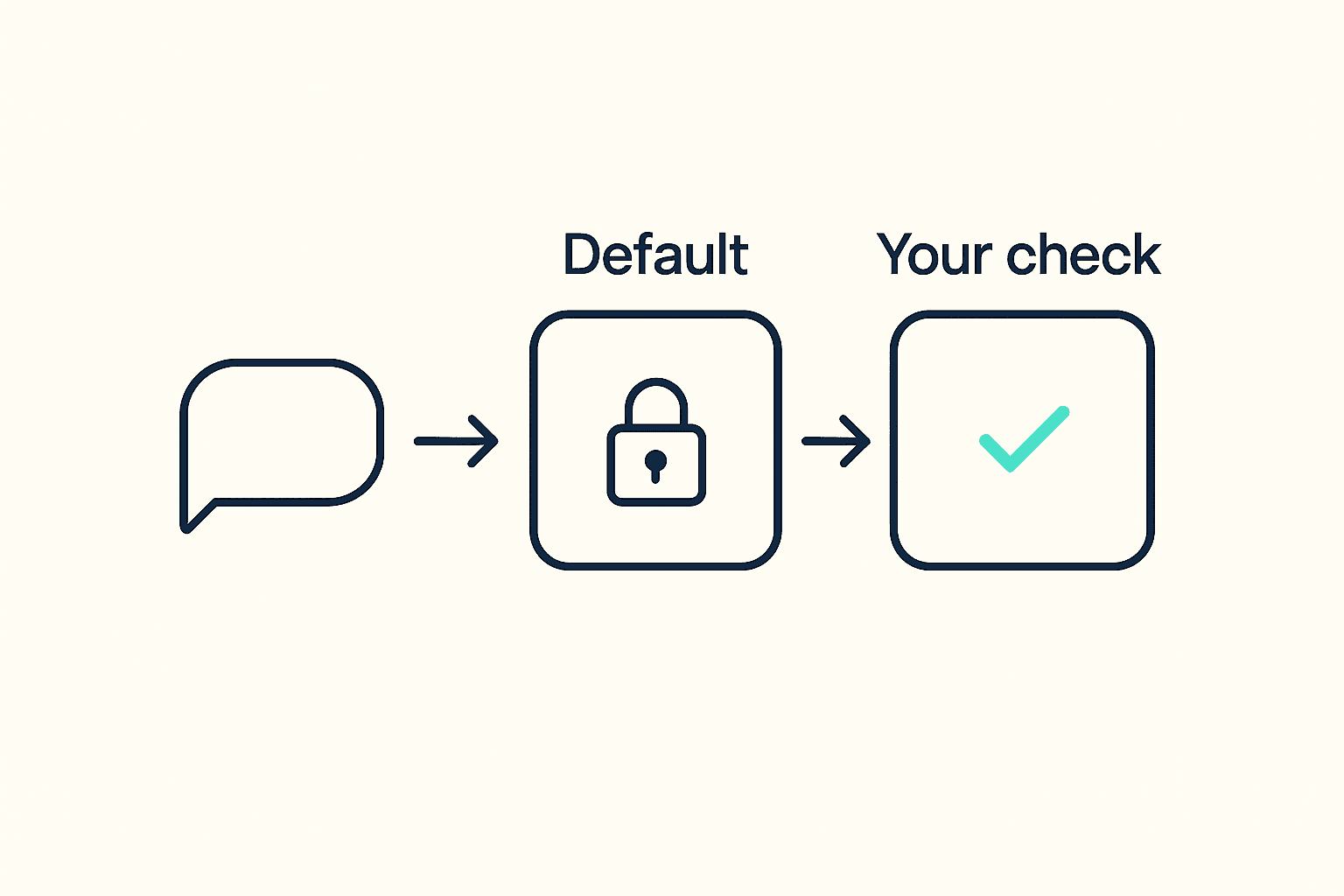
Install an AI sales agent skill from a marketplace, or flip on the one already sitting inside your CRM, and it shows up with a data source already wired in. Not by you. By whoever built the agent. That single choice decides whether the contacts it hands you are current or three months stale, long before you've sent a single message. Here's the one-week check to run on your AI sales agent's default data source before you let it near real prospects.
Who Actually Picked Your AI Agent's Data Source?
The company that built your AI sales agent picked its data source, and they picked it for their average customer, not for you. Whether it's a CRM's built-in agent, a copilot bundled into your outbound tool, or a skill you added to Claude or ChatGPT from a marketplace, the underlying data enrichment connection was a business decision made at launch, disclosed in a changelog, not negotiated with your team.
Why "Built In" Doesn't Mean "Checked for You"
- A default connection feels vetted because it ships inside a trusted product, but nobody on your team has actually tested it against your own accounts.
- The source was tuned for whoever the platform's biggest customer segment is, which may not look anything like your industry or your list.
- Pricing and usage limits for that bundled connection were set at the platform level, before you ever opened a settings page.
What Changes Once You Can See Under the Hood
- You can ask for match rate and freshness numbers before the agent enriches a single contact.
- You can run 20 known accounts through it and see, in minutes, where it agrees with what you already know and where it doesn't.
- Swapping the connection later becomes a settings change instead of a rebuild.
The Five Things Worth Checking Before You Trust It
Before an AI sales agent touches a real list, five questions separate a source you can rely on from one you're only hoping works. None of them require an engineering background, and all five fit into a single email to whoever sold you the agent.
The Checklist
| Check this | Ask | Why it matters |
|---|---|---|
| Swap rights | Can I point this agent at a different source without rebuilding it? | Decides how stuck you are if the default underperforms |
| Pricing model | Do I pay per seat, per lookup, or from one shared pool? | Per-seat and per-lookup plans usually mean paying for capacity you don't use |
| Coverage | Does this cover company details, contacts, and buying activity in one place? | Gaps here mean a second tool later, at extra cost |
| Refresh cadence | How old is a record the moment the agent actually reads it? | A record can look "fresh" on a dashboard and be months old in practice |
| Match rate | What's your accuracy on a 50-account sample from my own list? | A published company-wide average hides how it performs on your specific mix |
What Happens When Nobody Checks
- Coverage gaps show up for the first time when the agent has already emailed or called the wrong person.
- Your team stops trusting the tool after the first bad list, and adoption never fully recovers.
- Cleaning up a burned segment of pipeline costs a lot more than the week this checklist takes.
How to Ask for Match Rate and Freshness, in Plain English
Ask for numbers measured against your own accounts, not the vendor's marketing page. A landing page reports an average across every customer they have. Your agent only ever touches your list.
The Three Questions to Send
- Send over 50 named accounts and ask for a match-rate report before you sign anything.
- Ask how many hours old the average record is at the moment your agent actually reads it, not when the database was last updated somewhere upstream.
- Ask for that number in writing. Vibe Prospecting, for comparison, discloses 97.8%+ company match accuracy as the kind of documented baseline any vendor should be willing to share.
What a Vague Answer Really Means
- "We update continuously" with no hour or day attached usually describes the database, not the specific record your agent is about to use.
- A vendor who won't run a sample against your named accounts before you sign is telling you something about how confident they are in the real number.
- Independent customer reviews are a useful sanity check on a vendor's own numbers before you rely on them.
Run Both Sources Against the Same 20 Accounts
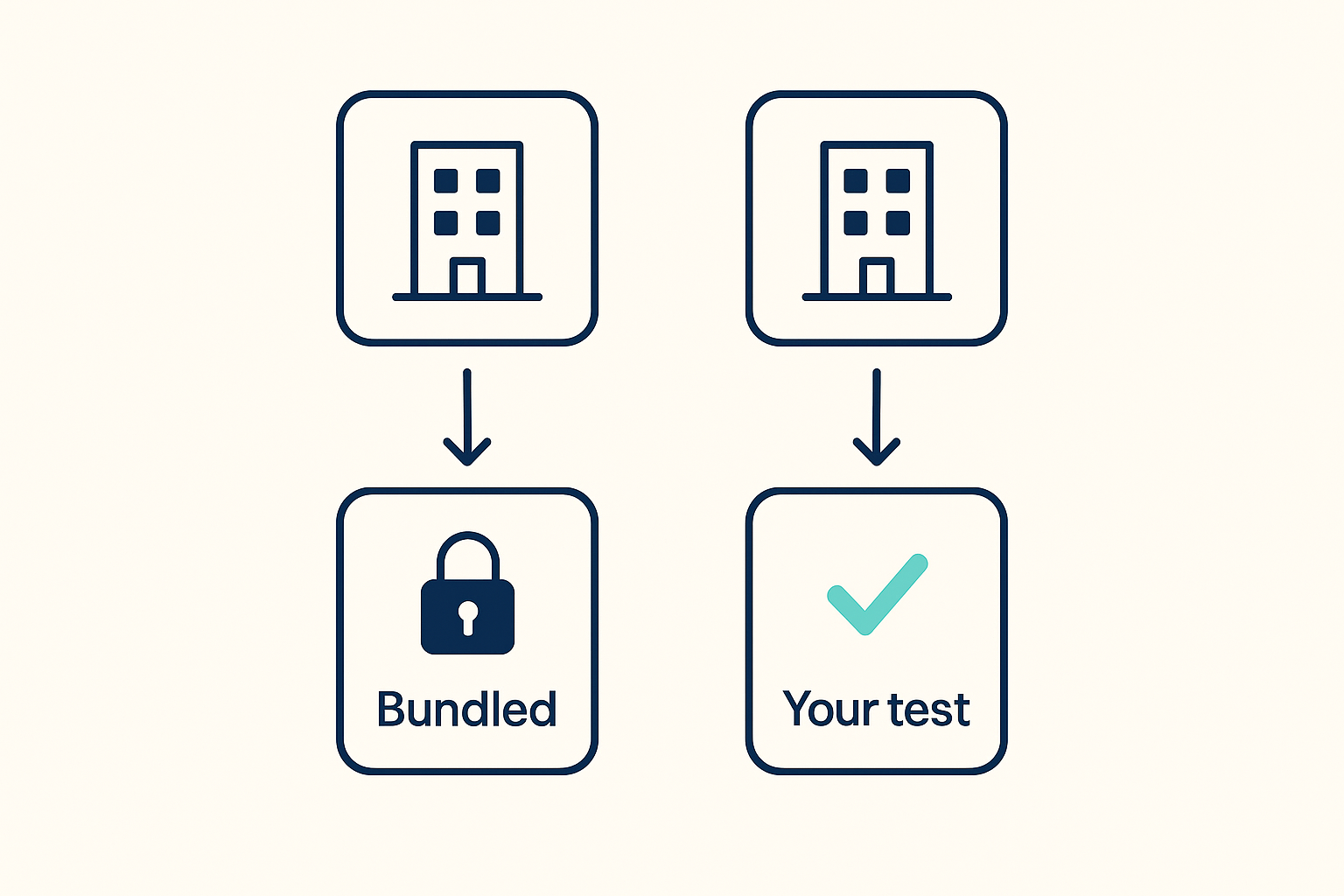
Pull 20 to 50 accounts your team already knows cold, and run them through the bundled default and a second source side by side. Since you already know the right headcount, industry, and key contacts for these accounts, any mismatch jumps out immediately.
Setting Up the Side-by-Side Test
- You can ask Vibe Prospecting, right in a Claude or ChatGPT chat, to look up the same 20 accounts and hand back a preview before anything is pulled in full.
- Compare company details (headcount, industry, revenue range) against what's already sitting in your CRM.
- Check contact-level accuracy on its own, separate from company-level accuracy. A bundled default that's fine on one is often shaky on the other.
Add Vibe Prospecting to Claude Code if your team already scripts parts of this workflow: