


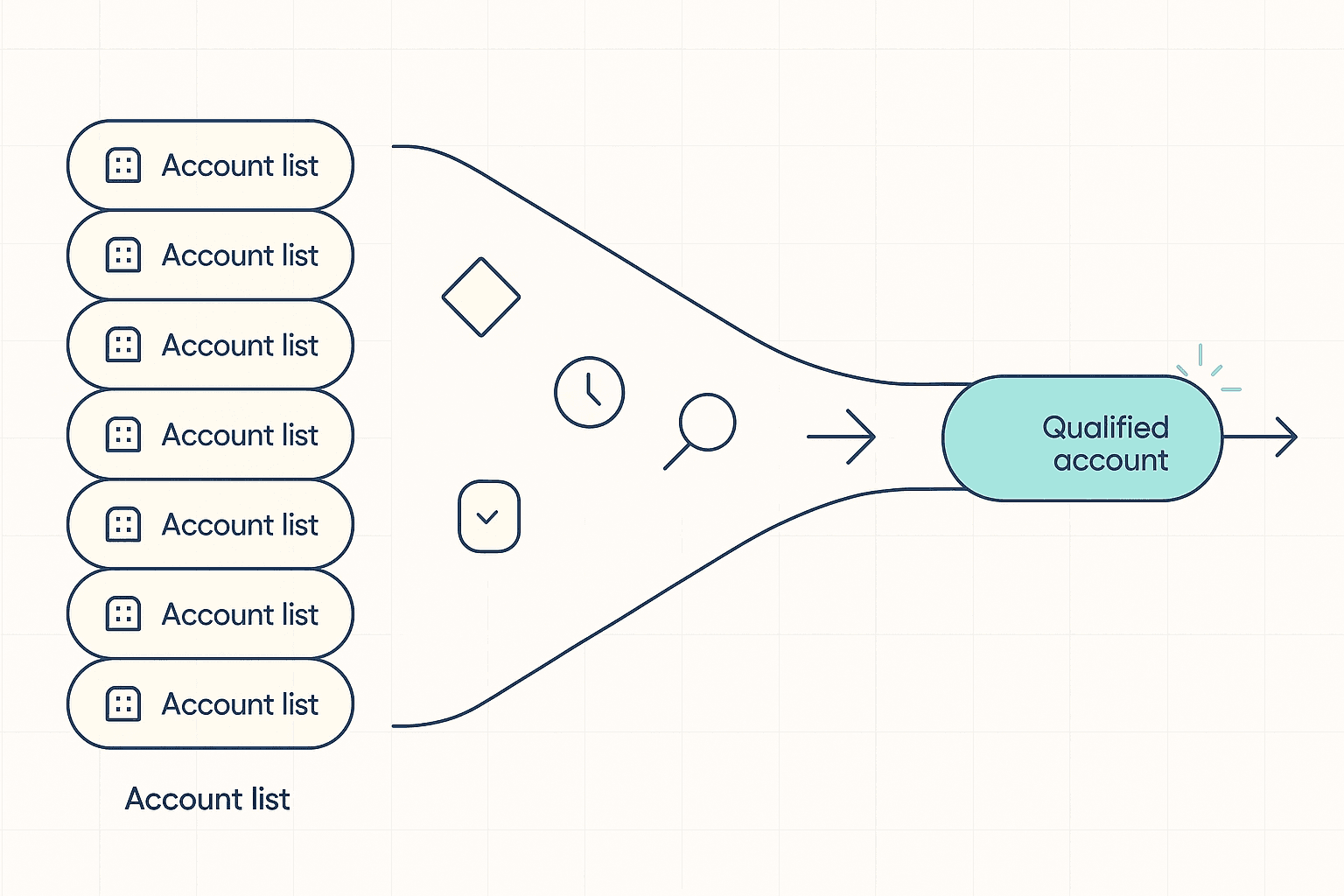
Your AI agent just loaded 8,000 accounts, researched every single one overnight, and queued up 8,000 messages. By lunch you have three replies and a founder asking why the inbox looks like spam. The agent did exactly what it was told. Nobody told it which accounts were worth its time.
That missing layer has a name: a GTM decision layer. It sits between "here is the data" and "send the message," and it answers five questions before anything goes out. Skip it, and connecting an agent to a data source and a sequencer just gives you a faster way to contact the wrong people.
This playbook walks through all five checkpoints, gives you real thresholds to start from, and shows how to wire the whole thing into a chat-based agent using Vibe Prospecting, powered by Explorium Enterprise Business Data.
What a Decision Layer Actually Does
A decision layer is the checkpoint between "we have data on this account" and "the agent should act on it," and without one your agent treats every record the same. Data plus a sequencer answers what you know and how to send something. It does not answer whether sending it is a good idea.
The Symptom You Already Have
- Hit rate hovers around 1 good fit for every few thousand accounts touched, because nothing upstream filters before the agent starts working.
- The agent re-researches accounts your team already looked at last week, since it has no way to check what it already knows.
- Timing information lives in a different tab than company details, so nobody can say why an account matters right now.
The Fix, in One Line
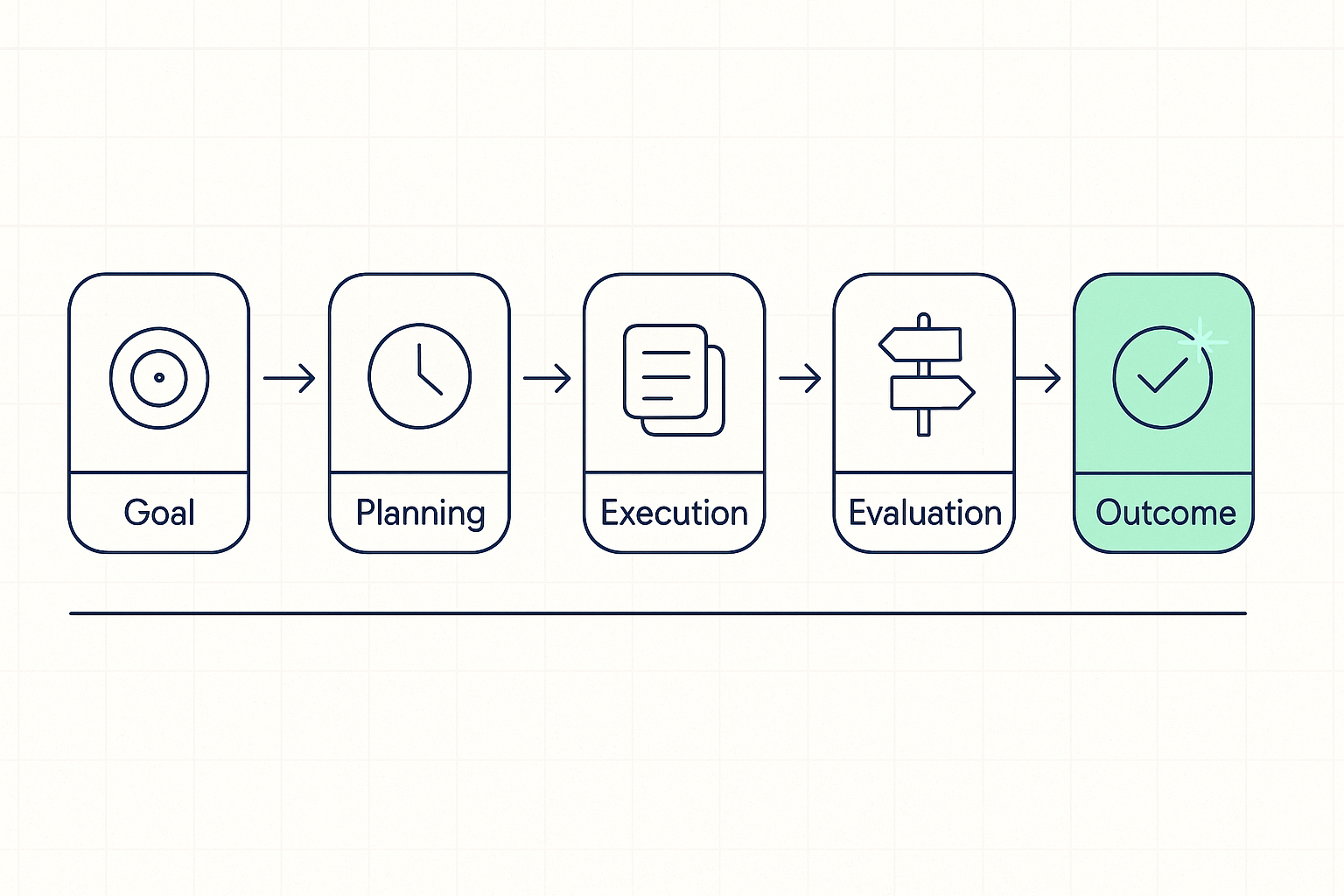
Give each of the five questions a real answer: a fit score, a timing window, a freshness check, a next-step rule, and an outcome log. Each one becomes a specific setting you configure once, not a judgment call your agent makes fresh every time.
Who Actually Needs One
Any team pointing an AI agent at a list bigger than a rep could work by hand needs a decision layer, whether that team is a two-person founder-led sales motion or a full RevOps org. The size of the list matters more than the size of the company running it.
- A founder doing outbound between customer calls cannot afford to burn a morning on accounts that were never going to reply.
- An AE covering a territory needs the agent to flag the 20 accounts worth a personal touch, not hand back 400 that all look equally urgent.
- A small RevOps team supporting several reps needs one shared rule set, not five different gut checks depending on who is running the list that week.
As Alex Choi, founder of Ravon Partners, put it: "GTM is ONE system." Treating fit, timing, and outreach as three disconnected tools is exactly the setup a decision layer replaces.
Question 1: Is This Account Worth It?
Fit is answered by a short list of company details, weighted and scored against your ideal customer, not a raw list of everything you were able to pull. The artifact here is a scorecard: 6 to 10 traits, each with a weight, and a minimum score an account has to clear before an agent spends any time on it.
Build the Scorecard
- Pick 6 to 10 traits that actually separate your best customers from everyone else: industry, headcount, revenue band, the tools they run, funding stage.
- Give each trait a weight that sums to 100, and set a floor score (a common starting point is 60 of 100) below which an account never reaches the agent's queue.
- Pull those traits from a single source instead of stitching two tools together. Vibe Prospecting draws from a pool of 150M+ company profiles so the scorecard and the underlying company record stay in sync in one lookup.
A targeted prospect list built this way starts smaller than the raw account list, and that is the point. Every account in it already cleared the bar.
Question 2: Why Now?
Timing is answered by recent company activity tied to a specific lookback window, not a static intent score sitting in a separate tab. A hiring push from three weeks ago and one from six months ago are not the same signal, even if your tools currently treat them that way.
Attach a Window, Not Just a Flag
- Vibe Prospecting tracks 18 categories of recent company activity, more than 80 specific signal types, alongside the company profile in the same lookup.
- Give each category its own window: 7 days for a website or job-page change, 30 days for a hiring push, 90 days for a funding round.
- Let a signal inside its window boost an account past the scorecard floor, so timing can promote a borderline account the scorecard alone would have dropped.
- Save the signal type and the date on the record. You will need it later to check whether it worked.
Question 3: Stop Re-Researching What You Already Know
This one is answered by a simple freshness check on the record you already have, run before any new lookup fires, not by re-pulling everything on every pass. The fix costs nothing extra to build. It just has to run first.
A Freshness Clock Per Category
- Give company details and recent activity separate "last checked" timestamps instead of one blanket date for the whole record.
- Set different refresh windows per category: company details every 90 days, activity signals every 7.
- Check the existing record first. Only call out for anything past its window. This is the single biggest lever for keeping usage affordable, since a repeat lookup on a record you already have current data for is pure waste.
Question 4: Turn the Score Into a Next Step
A score without a rule attached is just a sorted list. The fourth artifact is a small table mapping score plus signal freshness to one specific action and one owner. Two accounts with wildly different situations should never get the same next step just because they cleared the same floor.
| Score | Recent Activity | Next Step | Owner |
|---|---|---|---|
| Below 40 | Any | Drop from the queue, no refresh | System |
| 40 to 74 | Outside window | Hold, recheck in 30 days | System |
| 40 to 74 | Inside window | Add to nurture, wait for a stronger signal | Agent |
| 75 and up | Outside window | Queue for a person to look at before anything sends | Rep |
| 75 and up | Inside window | Draft outreach referencing the specific signal | Agent |
Every row names an input, a rule, and a person or system responsible, so a rep or founder can audit the whole policy in a minute instead of guessing why an account got contacted.
Question 5: Did It Actually Work?
The last artifact is a record of what happened after the agent acted, tied back to the score and signal that triggered it, not a bare yes or no. Without this, a team can run the same playbook for a year and never learn which part of it is doing the work.
- Log one record every time an account leaves the pipeline, whether it turns into a meeting, stalls, or gets dropped.
- Once a month, compare the accounts that converted against the ones that stalled to see which trait or signal actually correlated with a real outcome.
- Feed that back into the scorecard weights so the floor score gets more accurate every cycle instead of staying a guess from week one.

