
Account Research

How to Spot a Stalled Deal Before Your Forecast Call

A full pipeline can still miss the number. Ask one chat question to check if an account has gone quiet before you count a stalled deal in your forecast call.

Vibe Prospecting team7 min readSeptember 24, 2026
How to Spot a Stalled Deal Before Your Forecast Call

TL;DR

  • A pipeline that looks full can still miss the number, roughly a quarter of open deals in a typical B2B org carry no real buyer activity behind them (Clari Revenue Benchmark Report).
  • The stage field in your CRM is filled in by the person with the most reason to make the deal look healthy. It cannot tell you what is actually happening at the account.
  • Four things outside the CRM tell you if a deal is still alive: a funding event, a hiring change, a leadership departure, or a shift in the tools the account uses.
  • You do not need a dashboard for this. Ask Vibe Prospecting, in Claude, ChatGPT, or the web app, to pull recent account activity for your open deals and it comes back in one chat.
  • Powered by Explorium Enterprise Business Data, so the answer is coming from premium sources, not a scrape.
  • Run the check weekly for the full pipeline, nightly for anything closing in 30 days, and you catch a dead deal days before the forecast call instead of the week the board asks about it.

Roughly a quarter of the deals sitting in your CRM right now are stalled deals, and the stage field will not tell you which ones before your next forecast call. That is the finding behind Clari's Revenue Benchmark Report: 25 to 30 percent of open pipeline at a typical B2B company is what the report calls zombie pipeline, deals that are technically open and carry no real buyer activity behind them. A founder running their own pipeline in a spreadsheet has the same problem as a ten-person sales team running Salesforce: the stage column says "advancing" and there is no way to spot a stalled deal from inside the CRM alone, before you commit it to the forecast.

This piece is a short, repeatable way to check. It does not require a new dashboard or a data team. It is one question you can ask in a chat, run once a week, before the number you are about to commit to is the number that gets reported.

Why a Full Pipeline Still Misses Its Number

Pipeline coverage counts deals, not buyers who are still paying attention. A quarter of full is not full at all once you subtract the accounts that have gone quiet.

The Count-vs-Engagement Gap

  • A coverage ratio can look healthy on a dashboard while a quarter of its value is already dead weight, per Clari's benchmark.
  • Xactly's 2024 Sales Forecasting Benchmark Report found only 20 percent of sales organizations landed their forecast within 5 percent of target; 43 percent missed by 10 percent or more.
  • A champion leaving the buying company correlates with the deal stalling or dying more than 60 percent of the time, according to Gartner Sales Research, and a stage field never shows that a champion is gone.
"Zombie pipeline, open deals carrying no real buyer activity, sits at 25 to 30 percent of a typical B2B organization's total pipeline." (Clari Revenue Benchmark Report)

Three Habits in Your CRM That Say a Deal Has Stalled

Three patterns are visible right inside your CRM, and each one is a reason to check the account, not a verdict on its own.

The Three Tells

  • No stage movement in two weeks on a deal marked as advancing.
  • A close date that keeps sliding, pushed more than once inside the same quarter.
  • A rep and a manager who disagree on the same deal's odds when asked directly.
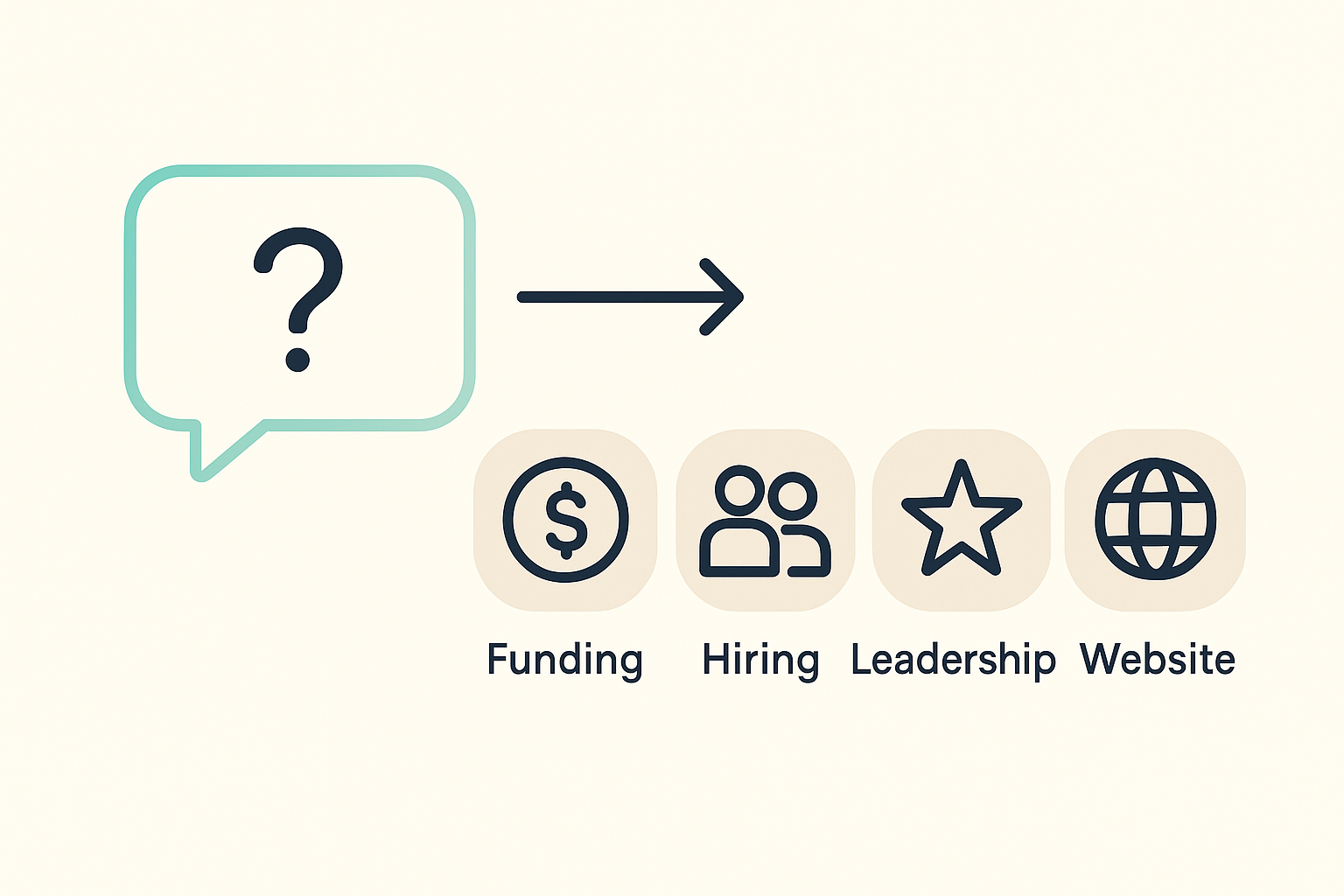
Chat question connected to four account activity signal icons: funding, hiring, leadership, and website change

What CRM Fields Cannot Tell You

A stalled stage is a symptom, not the diagnosis. Stage and close date are typed in by the person with the most reason to make a deal look on track ahead of a review, so neither one is proof of anything happening at the account itself. To find out, you check the account, not the CRM.

The Four Signals That Prove a Deal Is Still Alive

Four things happening outside your CRM tell you whether a buyer is still there: money coming into the company, people being hired, leadership changing, and the tools the company uses shifting. Silence across all four, on a deal your CRM says is moving, is the real red flag.

What to Look For at the Account

  • A funding round or acquisition at the company. New money supports a deal that assumes fresh capital is coming; the absence of any is a warning on a deal that depends on it.
  • A hiring push or a freeze in the buyer's department. Growth supports the thesis behind the deal; a freeze usually contradicts it.
  • Your champion leaving. Gartner's research puts the odds of a deal stalling or dying above 60 percent once the internal champion is gone.
  • A change in the tools the company runs. A new tool added, or one removed, can support or undercut the reason the deal exists in the first place.

A hiring push paired with a recent funding event is one of the strongest signs a purchase is actually coming; the absence of both on a deal marked "advancing" is the pattern to flag.

Already walking into a forecast call on a pipeline you have not actually checked this week? Ask Vibe Prospecting in Claude or ChatGPT to pull activity on your open accounts. Try it free →

Ask Instead of Audit: Checking a Deal in Chat

You do not need a new tool to run this check, you need one good question. Vibe Prospecting works inside the chat apps you already have open, Claude, ChatGPT, or the web app at app.vibeprospecting.ai, so the check happens where you already do the work instead of in a separate report nobody opens.

What You Ask For

Paste in your list of open accounts, or point the Claude Code plugin at your export, and ask for recent activity, funding, hiring, leadership moves, and tool changes, on each one. The chat pulls back a short, readable answer per account instead of a spreadsheet you have to interpret yourself, and it is powered by Explorium Enterprise Business Data, so the activity is coming from premium sources rather than a public search.
Text
You: Here are 12 open deals (company, stage, close date). For each one, pull any funding, hiring, leadership, or tool-stack activity from the last 90 days. Flag any deal marked "advancing" with zero recent activity.

Vibe Prospecting:
1. Acme Robotics — advancing, closes in 18 days — no funding, no hiring, no leadership change in 90 days. Flagged: likely stalled.
2. Northwind Supply — advancing, closes in 25 days — hiring surge in the buyer's department 12 days ago. Still active.
3. Beacon Freight — advancing, closes in 9 days — champion left the company 6 weeks ago. Flagged: confirm new contact before forecasting.
...

Copying the Flagged List Back

Once you have the flagged accounts, you copy that short list back into your CRM notes or a shared doc yourself, ahead of the review. Vibe Prospecting does not push updates into your CRM for you, it hands you a ready-to-use list to bring into the conversation you were already going to have with your manager or your team.

A Red-Flag Cheat Sheet You Can Reuse

Pair each CRM warning sign with the one account check that resolves it. Adapt the stage names to your own CRM; the logic holds regardless of what you call each stage.

What to Check and What to Do

What you see in the CRMWhat to ask about the accountWhat to do if the answer is silence
Deal value looks too big or small for the companyCurrent company size and revenue rangeRe-qualify the deal size against what the company actually looks like today
Lots of activity logged, but no stage changeHiring freeze or headcount drop in that departmentMark the deal as at-risk and ask the rep for a real next step
Rep and manager give different odds on the same dealWhether your champion still works thereConfirm the champion is still in the role before you count the deal
Close date has moved more than onceAny recent change in the tools the account runsPull it out of this quarter's number until you confirm what changed
No stage movement in two or more weeksFunding, hiring, or leadership activity in the last 90 daysFlag it for the manager to review before the forecast call

How Often to Run the Check

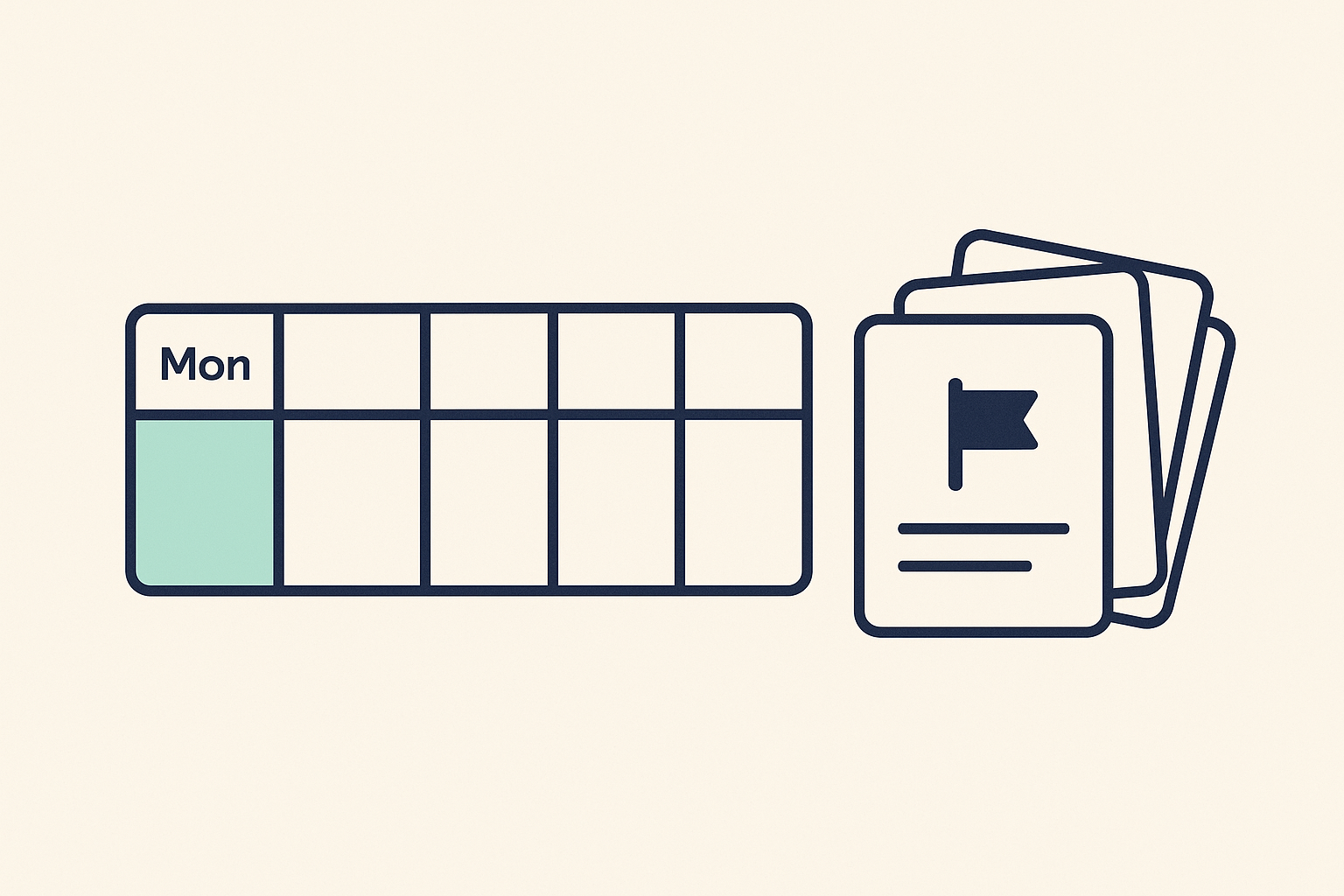
A founder checking ten deals by hand can do this weekly. A team running the Claude Code plugin can automate it nightly for anything close to closing. Either way, monthly is too late to change that quarter's outcome.

Weekly calendar strip with one day highlighted next to a stack of deal cards, one flagged

A Cadence That Fits Your Team Size

CadenceWho this fitsWhy it matters
Once a week, by handA founder or a solo AE with under 20 open dealsFits inside a normal Monday-morning pipeline check
Nightly, automatedA team running the Claude Code plugin against near-close dealsFlags a late stall before it reaches the forecast call
Monthly, full re-checkAnyone refreshing account details across the whole pipelineKeeps company size and contact details current, not the urgent check

Five Steps From First Question to a Standing Habit

Start with a handful of deals you already suspect are stalled, confirm the pattern, then make the check part of your week. None of this requires a new subscription to try.

  • Step 1: Open Claude, ChatGPT, or app.vibeprospecting.ai and connect Vibe Prospecting, no setup call required.
  • Step 2: Pull your open-deal list, company name, stage, and close date, from your CRM export.
  • Step 3: Ask Vibe Prospecting for recent activity on 10 to 15 deals you already suspect are stuck, and see how many come back silent.
  • Step 4: Once the pattern checks out, run the same question against your full open pipeline.
  • Step 5: If you have the Claude Code plugin, turn the weekly question into a scheduled job that lands the flagged list in your inbox before Monday's review.

The Takeaway

A pipeline hygiene check only works when it looks at what the CRM shows and what the account is actually doing. The stage field alone is self-reported; account activity alone misses the deal-specific context a rep can add. Ask Vibe Prospecting the question in the chat you already have open, get a short answer back on real account activity, and know which deals are worth defending before the forecast call, not after it.

Stop finding out a deal died the same week someone asks about the miss. Try Vibe Prospecting free →
FAQs

Frequently Asked Questions

Get Started Banner

Get Started for free

Sign Up
Spot a Stalled Deal Before Your Forecast Call