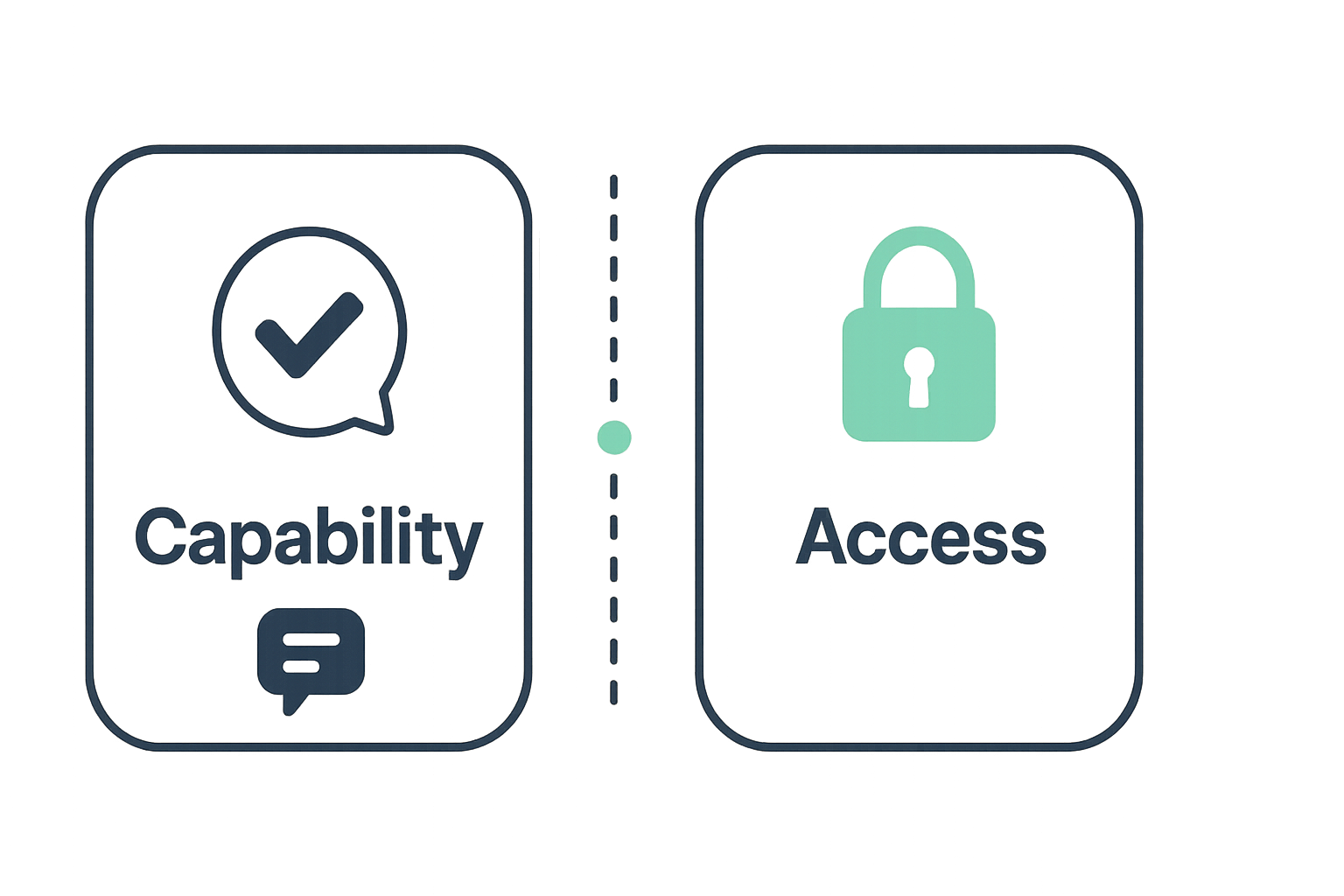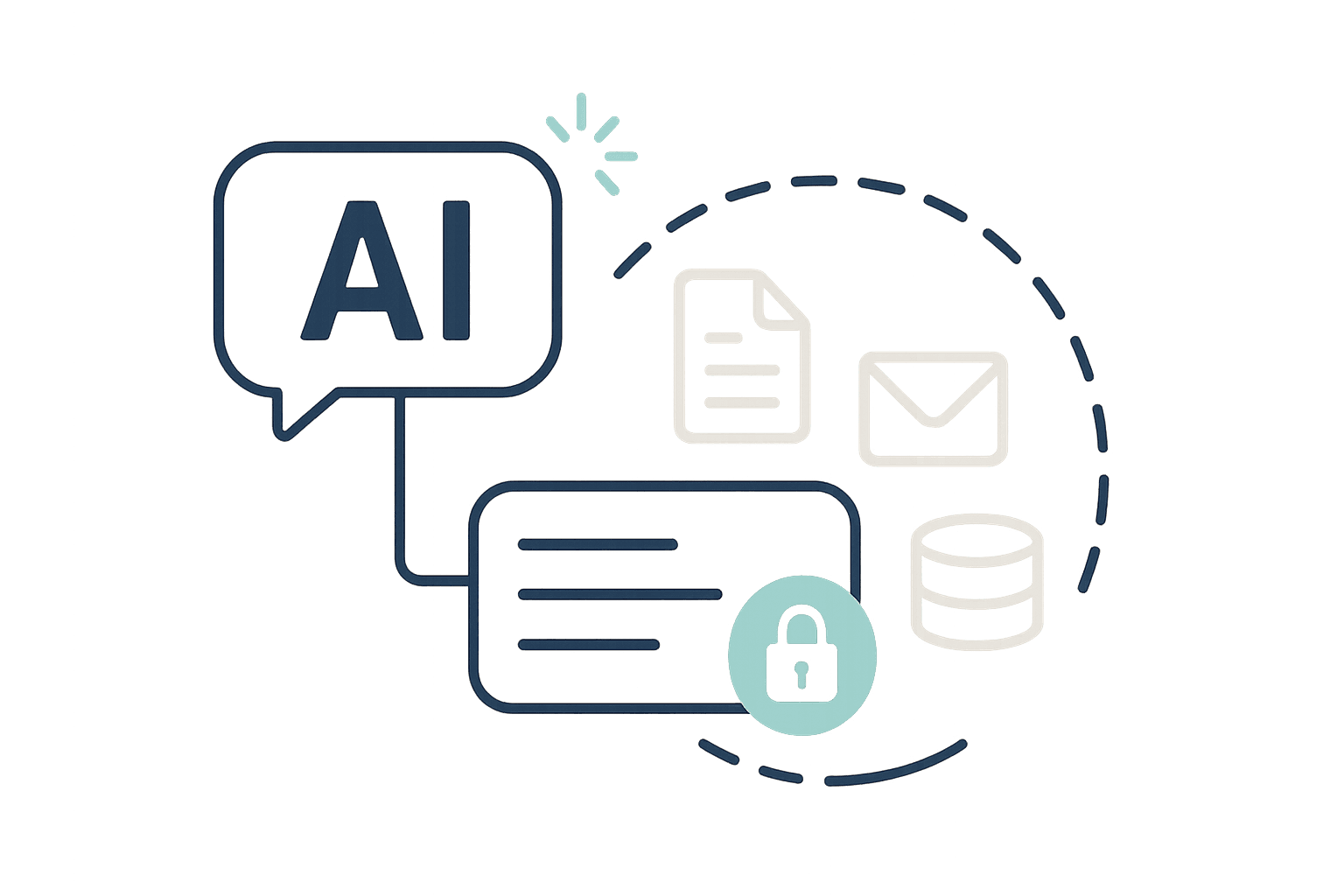
A founder wired an AI sales agent into the CRM on a Friday afternoon, watched it draft three solid follow-ups, and called the project done. By Monday, someone finally asked the harder question: what else can that agent's login see, and who else could see it if the key ever leaked? That question, not the demo, is what actually decides whether an AI sales agent CRM access setup is safe to point at real accounts.
Another small team connected an outbound agent with a read login to the CRM and a send login for email, then realized nobody had checked what else those two credentials could reach: an old Zapier key, a shared drive, a Slack webhook from a tool nobody uses anymore. Vibe Prospecting exists partly because of stories like that. See what a scoped business data layer looks like in our plain-language guide to data enrichment.
This checklist is for founders, AEs, and small sales teams who want to connect a chat-based AI agent to real CRM data without finding out the hard way what its login can actually touch.
What "Blast Radius" Means for an AI Sales Agent
Blast radius is everything a single login can reach, not just the one task you built the agent to do. A login created for a narrow job, like pulling contact details for one list, can quietly carry years of accumulated access if nobody ever cleaned it up. The agent might never touch that extra access, but it is sitting there the whole time.
Why It Looks Fine in the Demo
- A demo tests whether the agent's output is good, not whether its access is limited.
- Reusing an existing login is the fastest way to get a demo working, so it becomes the default.
- Most CRMs make it hard to say "only records owned by this rep," so teams grant broader access instead of building that boundary.
- Nobody circles back to re-check access once the demo succeeds and the project moves to production.
Why Founders and Small Sales Teams Skip This Check
Most small teams do not have anyone whose job is to ask "what can this login reach," so the question only comes up after something goes wrong. Larger companies at least have a vendor security review for new software; a five-person startup adding an AI agent usually has nothing like it.
That gap matters more than it looks. AI agents that get handed more access than their task requires show up in security incident reports far more often than agents scoped tightly to just what they need: roughly three in four teams running an overly broad setup report an incident, against about one in six for teams that scope tightly, a gap of about 4.5 times.
The Real Cost of Skipping It
- A shared login that outlives the project it was built for, still active on other tools years later.
- No clean way to answer "whose data did the agent see" if a customer or investor ever asks.
- A single compromised key that reaches far past the one workflow it was meant to run.
The One-Login Mistake Almost Every Team Makes First
Reusing one shared login for an AI agent, instead of issuing it a dedicated identity, is the single most common mistake in this checklist. A shared login erases attribution: once several tools or people share the same key, there is no way to trace a specific action back to a specific source during a review.
One RevOps team found this out mid-demo. Their agent was pulling live deal data and drafting follow-ups, and everything looked great, until someone asked whose data it was actually allowed to see. The answer was every deal, every rep, every region, because the agent was running on a service login that had been provisioned years earlier for a different integration and never scoped down.
What a Shared Login Hides
- No way to say "this agent only sees accounts owned by this rep" without rebuilding the connection from scratch.
- Full visibility by default, because the login was set up for convenience, not for this specific job.
- No clean way to shut it off later, since the same credential is probably running other things too.
Read-Only First, Write Access Is a Separate Call
Default every new AI sales agent to read-only, and treat write or send access as its own decision, reviewed separately. Research, list building, and drafting almost never require write access. Read-only keeps a mistake contained to "it saw something" instead of "it changed or sent something," which is a very different conversation to have with a customer.
When Write Access Is Actually Warranted
- Logging the agent's own activity back into the CRM is a reasonable write case, scoped to specific fields only.
- Send access should carry its own list of approved recipients or account segments, not a blanket allowance.
- Review write and send access on a shorter cycle than read-only, since a send mistake becomes visible to the outside world immediately.
The Five-Minute Audit: What Else Can That Login Reach?
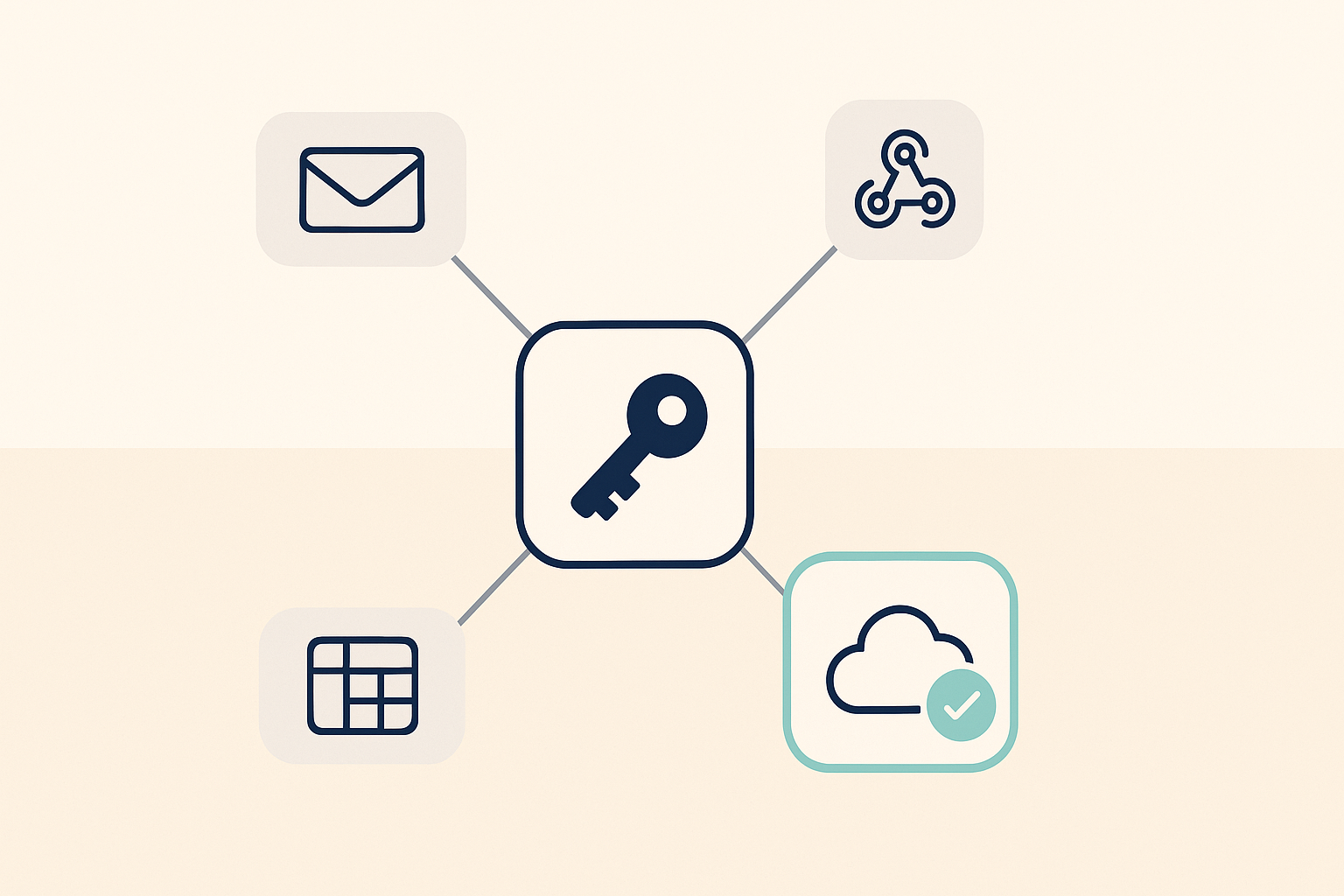
Before connecting an agent, pull every key and webhook tied to its login and trace each one to what it actually opens. This is the step most teams skip entirely, because it is not about the agent at all, it is about everything sitting quietly next to it.
Run Through This List
- List every API key and webhook tied to the identity the agent will run under.
- Flag anything set up for a different tool that was never revoked.
- Check whether the CRM's own automations can be triggered indirectly by something the agent does.
- Write down who owns each connected tool, so a future review has someone to ask.
- Repeat this check every time a new tool gets attached to that same login.
A Good Demo Is Not an Access Review
Testing whether an agent's output is good and testing what its login can reach are two different reviews, and passing one says nothing about the other. Run both, independently, before anything goes live on real accounts.
| Review question | Output review | Access review |
|---|---|---|
| Runs on what schedule | Every launch, every model swap | Every quarter, plus any new connection |
| Fails quietly when | Rarely, bad output is visible right away | Constantly, unused access sits unnoticed for years |
| Passes when | The copy or research meets your bar | Access maps exactly to an approved list |
| Main question | Is the output good enough to use | What can this login reach, used or not |
| Who signs off | Sales or marketing leadership | Whoever owns security, even if that is just the founder |
Want to test a scoped data request instead of widening your CRM login? Start free in Vibe Prospecting, no CRM key required →
What It Looks Like When Access Is Scoped Right
The cleanest fix is often to stop asking the agent to hold CRM access at all. Ask a chat-based data layer for the exact company or contact details you need instead, and let it fetch from a business data source rather than a login sitting inside your CRM. That is the model behind Vibe Prospecting, and it is why nothing about it needs to appear on your CRM access audit in the first place.
One Chat Connection Instead of a Standing Login
- Ask Vibe Prospecting inside Claude or ChatGPT for company and contact details, and it pulls from 150M+ companies and 800M+ professionals across 50+ sources, Powered by Explorium Enterprise Business Data, without a CRM login involved anywhere in the request.
- 18 categories of buying signals, including recent funding and hiring activity, come back as a single answer in the chat, not a separate integration to secure.
- Explorium publishes one SOC 2 report covering the underlying data layer; see our SOC 2 overview for what that actually covers.
Scaled Without Widening What It Can Touch
- A single request can cover up to 1,000 companies or contacts at once, so one scoped connection replaces what would otherwise be a much broader export permission.
- 97.8%+ company match accuracy cuts down the manual CRM lookups a rep would otherwise do by hand, and the standing access those lookups would require.
- A free account with one shared credit pool lets a team try this before deciding how much access, if any, their agent actually needs inside the CRM itself.