


You installed a cold email skill, ran a pilot on thirty hand-picked accounts, and the results looked promising. Then you tried to push past a hundred prospects and watched quality fall apart. That is not a prompt engineering problem. A packaged skill loads every record into Claude's context window, and that window has a hard limit. This guide explains the ceiling, shows exactly where a custom agent closes the gap, and walks you through wiring one to a data source built for production volume.
What the Ceiling Actually Is (and Why Your Pilot Hid It)
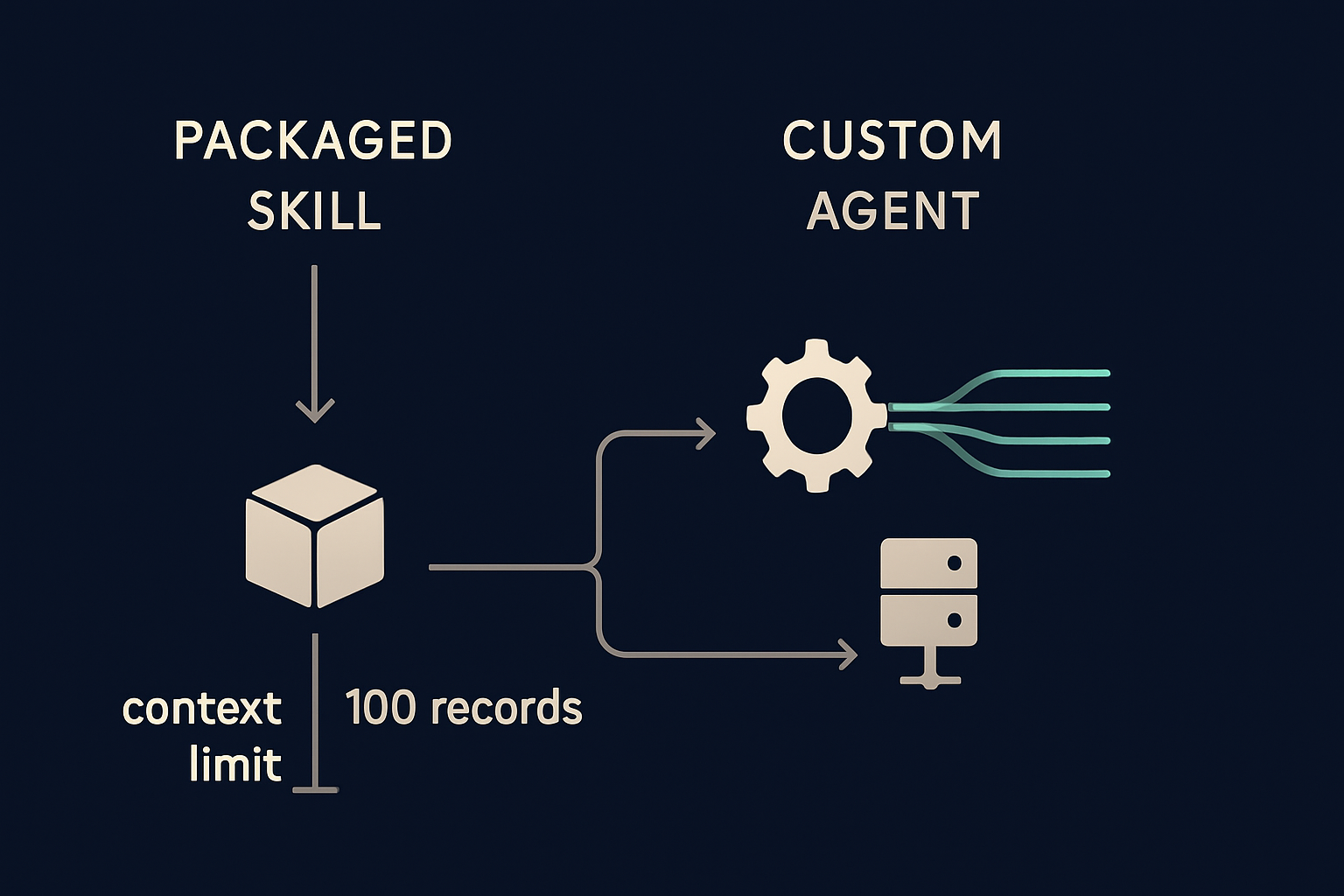
A packaged Claude skill is a bundle of instructions the model reads before it writes. Nothing about that architecture connects to a live data source. When you want to personalize an email for a prospect, you have to paste the company details, contact information, and any relevant recent activity directly into the prompt alongside the skill's own instructions. Every record you add eats into the same fixed space.
Marketplace documentation places the practical limit somewhere between 20 and 100 accounts per run. Pilots tend to hide this because you choose the accounts carefully, the data is clean, and the batch is small. Scale to a real segment list and two things happen: personalization becomes templated because the model runs out of distinct context, and send volume plateaus because you are capping batch size manually to keep quality from collapsing. Subject lines start repeating. Reply rates drop as batch size grows. Teams feel this first in their weekly send numbers, not in any visible error.
Why Stacking More Skills Makes It Worse
One common response is to stack a second skill on top of the first, one for tone and one for ICP targeting, hoping the combination picks up the slack. It can, but it also compounds the problem. When two skills define overlapping rules for the same task, for example one enforcing a formal opener while another pushes conversational copy, Claude resolves the conflict by blending them inconsistently across runs. The output gets less predictable, not more, and the combined token load pushes the context ceiling closer with every prospect added.
What a Custom Agent Does Differently
A custom agent does not load prospect data into the prompt. It calls an MCP server at run time and requests exactly the records it needs for the current batch. The enrichment happens on the server side. The agent gets back company size, industry, recent hiring activity, funding stage, and a verified contact address without any of that raw data sitting in the context window next to the writing instructions.
This is the architecture difference that matters: skills are playbooks that define how Claude writes, MCP servers are data connections that give Claude something real to write about. Keeping those two layers separate is what allows a production agent to process up to 1,000 records per request without hitting a ceiling.
The Data Layer Is the Real Build Decision
Most guides to building cold email agents focus on the agent framework, the prompt structure, the output format, the QA criteria. Those matter, but they are not where most campaigns fail. The failure point is the data underneath. An agent that calls stale company information or guesses at contact addresses produces exactly the same generic output as a skill that ran out of context. The agent framework is a solved problem. The data layer is not.
That is where B2B data enrichment for AI agents becomes the actual choice you are making.
What Your Agent Needs Before It Writes the First Line
Three categories of information determine whether a cold email opener is specific enough to earn a reply or generic enough to get deleted. Your agent needs all three available on demand, not pasted in advance.
Company and Contact Data
Company data tells the agent whether a prospect fits your target profile before any writing starts: industry, size, location, and growth stage. Contact data reaches an actual person at that company with a working email address. Without both in the same call, the agent either skips the fit check or guesses at the address, and guessing at addresses creates bounce problems that damage your sending reputation over time.
Vibe Prospecting pulls from 150M+ company profiles and 800M+ professional contacts through one MCP connection, so the agent confirms ICP fit and finds a reachable contact in a single server-side request. Powered by Explorium Enterprise Business Data.
A Reason to Reach Out Now
Even a well-targeted first line falls flat without a specific trigger. A prospect who just posted three engineering roles in the last two weeks is in a different buying moment than one who has been static for six months. A company that closed a Series B last month has budget decisions to make. These are the signals that turn a cold email into a relevant interruption.
Vibe Prospecting surfaces 18 categories of purchase signals and more than 80 individual signal types from the same MCP call used for enrichment. The agent can open with the hiring spike or funding event and skip the generic value proposition that most cold emails lead with.
How the Three Options Actually Compare
Two other MCP-connected data sources come up frequently in this conversation: Coresignal for company and employee data, and Hunter.io for email finding. Both ship MCP servers. Neither replaces a full data layer on its own.
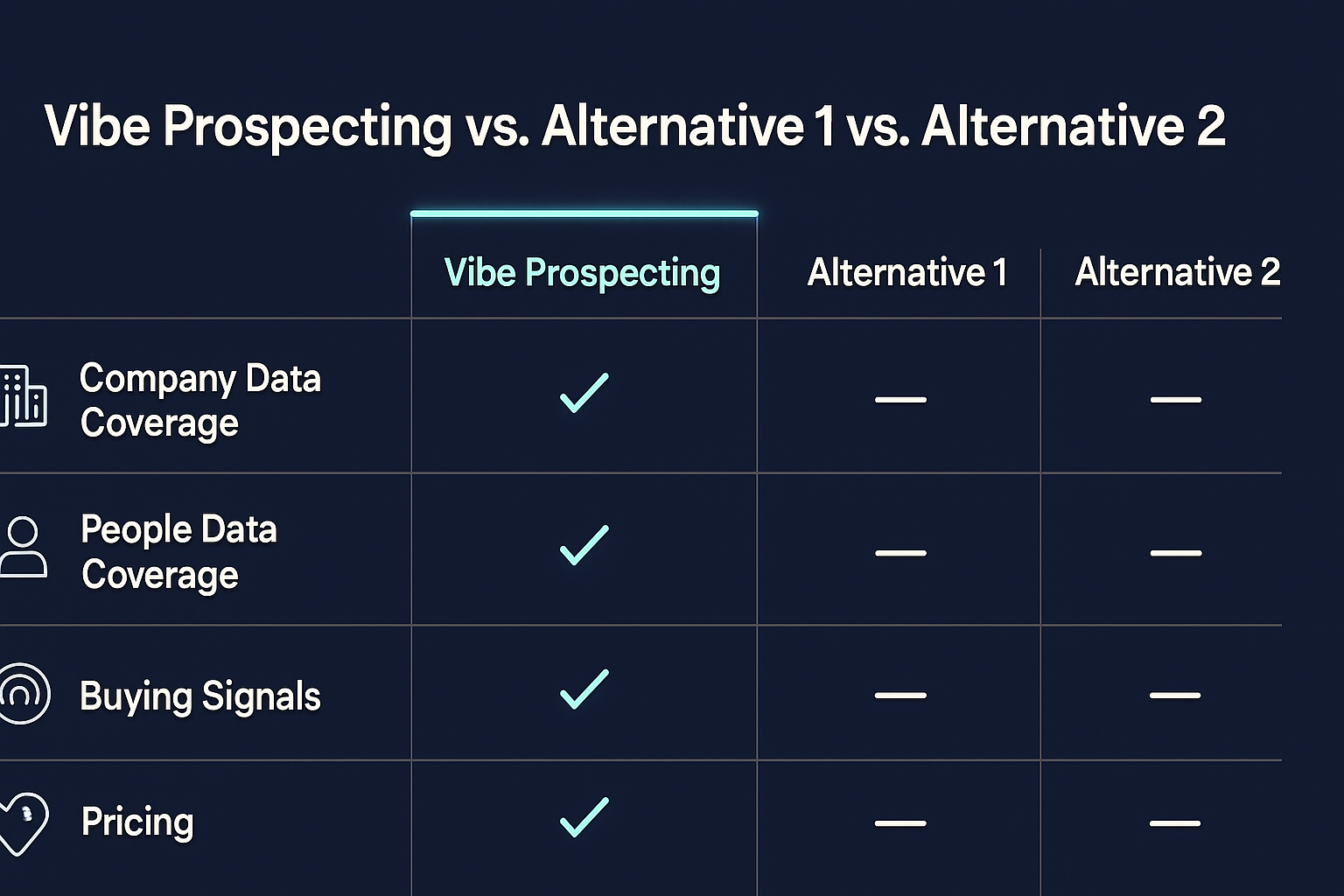
Side by Side on the Three Things That Matter
| What you need | Vibe Prospecting | Hunter.io | Coresignal |
|---|---|---|---|
| Company profiles | 150M+ companies across 50+ sources | Not offered | Company data included; 859M+ employee records |
| Contact finding | 800M+ professional contacts, included in the same call | Email finding and confirmation; core product | Employee records only; no contact email delivery |
| Purchase signals | 18 categories, 80+ signal types (hiring, funding, product changes) | None | None published |
| Scale per call | Up to 1,000 records per request at 100 QPS | Query-based lookups; no bulk entity benchmark published | Bulk data feeds available; no per-call entity limit published |
| Starting price | Free account, unified credit pool across every endpoint | From $49/month for 2,000 credits | Custom-quoted, typically starting near $1,000/month |
| Company match accuracy | 97.8%+ across 50+ data sources | Not applicable (email-focused) | Not independently published |
Hunter.io is a strong choice if all you need is email confirmation and you already have company data from another source. Coresignal is a strong choice for deep employee data at scale. Neither gives you all three pillars in a single MCP call. That fragmentation forces teams to manage multiple vendor relationships, credits pools, and field-name conventions inside the same agent, which is exactly the kind of complexity that makes custom agents feel harder than they need to be.
What It Costs to Build vs Keep the Skill
A packaged skill costs nothing beyond your existing Claude subscription. A custom agent costs engineering time up front and a recurring data bill as volume grows. The build option is the only path that scales without a rewrite, so the real question is whether your current campaign volume justifies the switch.
| Option | Setup cost | Prospect ceiling | Data cost over time |
|---|---|---|---|
| Custom agent + Vibe Prospecting | Engineering time | Up to 1,000 records per call | Free account to start; unified credit pool as volume grows |
| Custom agent + Hunter.io | Engineering time | No context ceiling (email confirmation only) | From $49/month for 2,000 credits |
| Custom agent + Coresignal | Engineering time | No context ceiling | Custom-quoted; typically near $1,000/month to start |
| Packaged skill only | None | Approximately 20-100 prospects per run | None (no data layer, no scale) |
The hybrid approach is also worth considering: keep the tone and structure logic from a packaged skill, route the data needs through an MCP connection, and you get the fast setup of a pre-built template with a data layer that actually scales. Sample-before-export lets you preview 5-10 records and see the credit cost before committing a full batch, so you can validate ICP fit cheaply before scaling.
How to Move From a Skill to a Production Agent
The migration is simpler than most teams expect because the skill's writing logic stays intact. Only the data source changes.
Five Steps to a Working Agent
- Step 1: Create a free Vibe Prospecting account. No sales call, no commitment.
- Step 2: For GTM skills, install the Vibe Prospecting Plugin. For a custom MCP agent, add the server directly to Claude Code or ChatGPT using the configuration below.
- Step 3: Pull a sample of 5-10 records with a credit estimate before running any full batch. Confirm the companies match your actual ICP before spending.
- Step 4: Switch to batch enrichment. Request up to 1,000 records per call instead of loading accounts manually into the prompt.
- Step 5: Add purchase signals to every first line. Pull hiring activity, recent funding, or product changes from the same call used for enrichment, so the opener references something real.

